
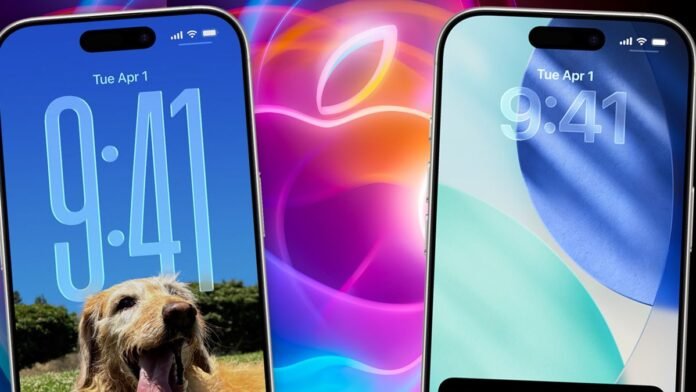

iOS users with iPhones are advised to check their device settings as Apple has rolled out a significant operating system update. The latest upgrade, named iOS 26.1, brings nine major changes and is now available for download. To install it, users simply need to navigate to General > Settings > Software Update.
One of the key features introduced in iOS 26.1 is the option to customize the Liquid Glass appearance, a feature initially introduced in Apple’s earlier iOS 26 release. This feature gives apps, folders, and menus a glass-style look on the screen, allowing users to choose between a clear or tinted appearance.
In addition to the Liquid Glass customization, the update includes various enhancements such as expanded language support for Live Translation on AirPods, a new Camera setting to enable or disable Lock Screen swipe access to the Camera, and improved FaceTime audio quality in low-bandwidth conditions. The release also includes bug fixes and security improvements, making it essential to update to iOS 26.1. Users should note that the update file size exceeds 14GB, so it is recommended to download it over a Wi-Fi connection.
Some of the notable changes in iOS 26.1 include:
– Liquid Glass setting offering clear or tinted appearance options
– Live Translation support for additional languages on AirPods
– New Camera setting for Lock Screen swipe access
– Enhanced FaceTime audio quality in low-bandwidth situations
– Improved communication safety features and web content filters for certain age groups
The compatible iPhone models for iOS 26.1 include iPhone 11 series, iPhone 12 series, iPhone 13 series, iPhone 14 series, iPhone 15 series, iPhone 16 series, iPhone 16e, iPhone 17 series, iPhone Air, iPhone SE (2nd generation), and iPhone SE (3rd generation).